One year of PaperPict: what we learned about figures
Eleven months, six tools, and a lot of figures. Some of what we learned we expected. Some of it we didn't.
Read article →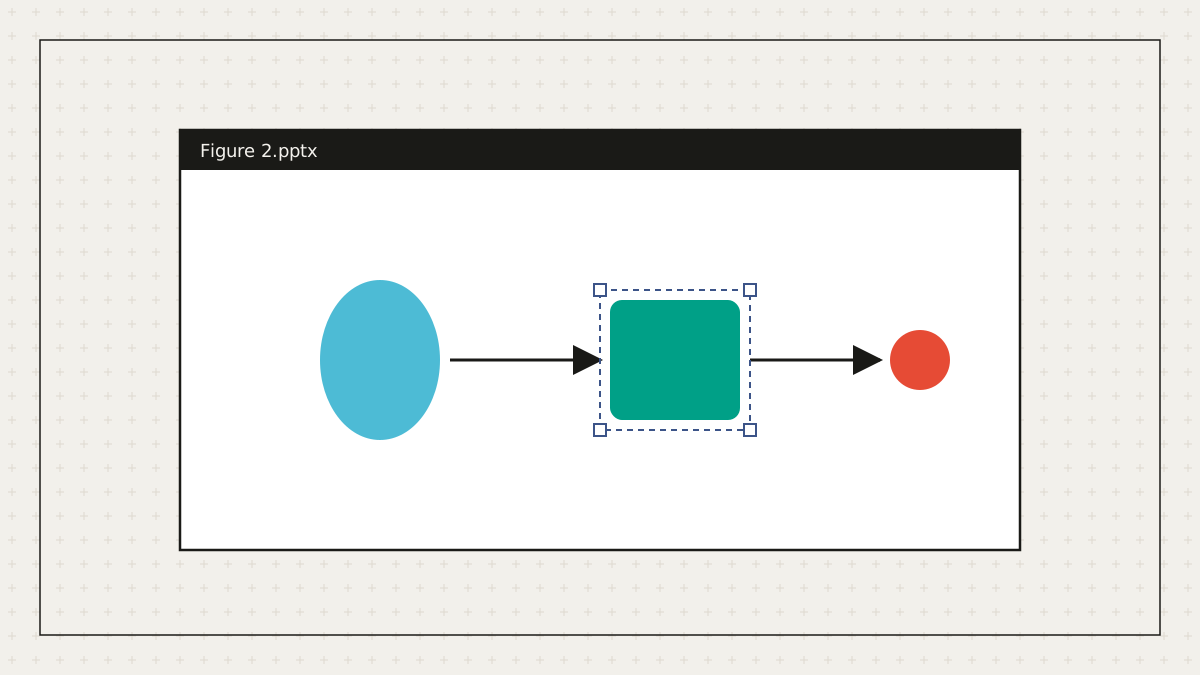
Figures are collaborative but the tools are not. A layered SVG is perfect for the person who made it and opaque to the clinician co-author who wants to fix a label at 11 pm before the deadline. Sending a PNG solves the opening problem and creates the editing problem.
PaperPict writes real PowerPoint objects: text boxes with live text, shapes with fills and outlines, connectors with arrowheads, and groups matching the SVG layers. Open the slide and every element is selectable. No embedded picture, no 'ungroup' that produces a thousand fragments.
One honest caveat: edits made in PowerPoint don't flow back into the SVG master automatically. In practice most co-author changes are wording, so the usual routine is to read their slide, make the same change in PaperPict, and re-export everything from the master.
The same export drives the poster tool: an A0 slide with the figures placed, ready for a printer's PDF. For talks, each figure lands on a 16:9 slide with the palette and fonts intact.
Gradients and some clip paths are simplified to keep the file editable, and very complex figures with thousands of paths are grouped more coarsely. For print-critical work, the SVG or a 600 DPI PNG remains the reference.
MORE FROM THE BLOG
Eleven months, six tools, and a lot of figures. Some of what we learned we expected. Some of it we didn't.
Read article →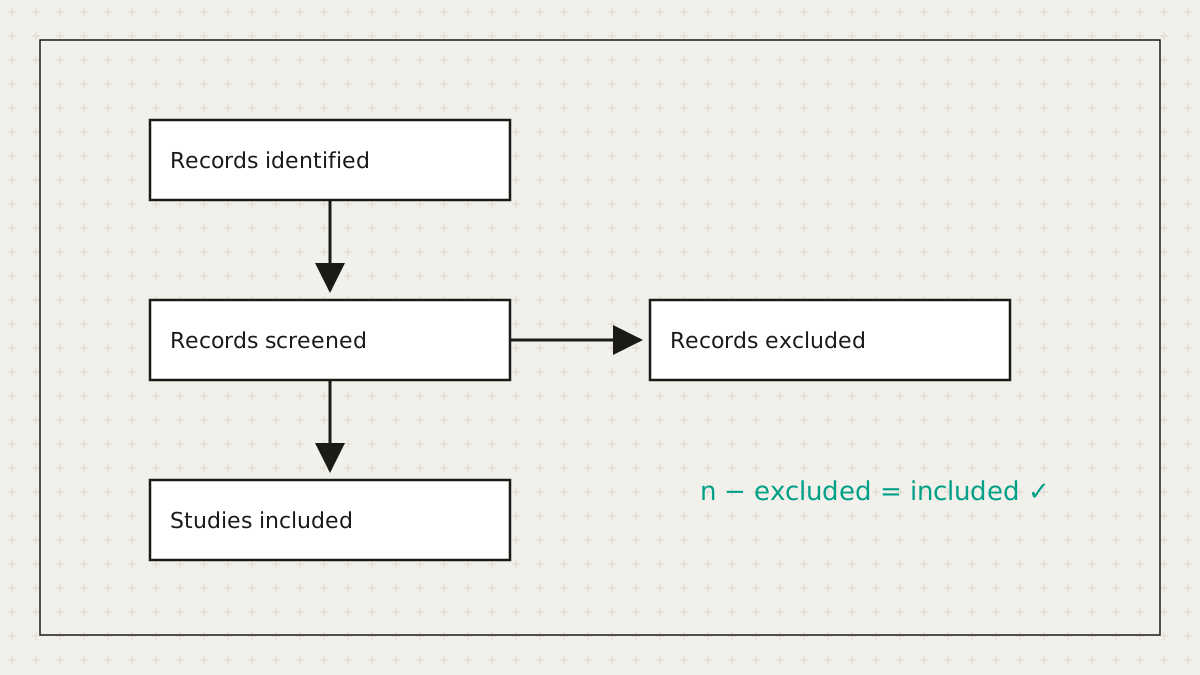
Systematic reviewers lose hours to a diagram whose main job is arithmetic. So we did the arithmetic.
Read article →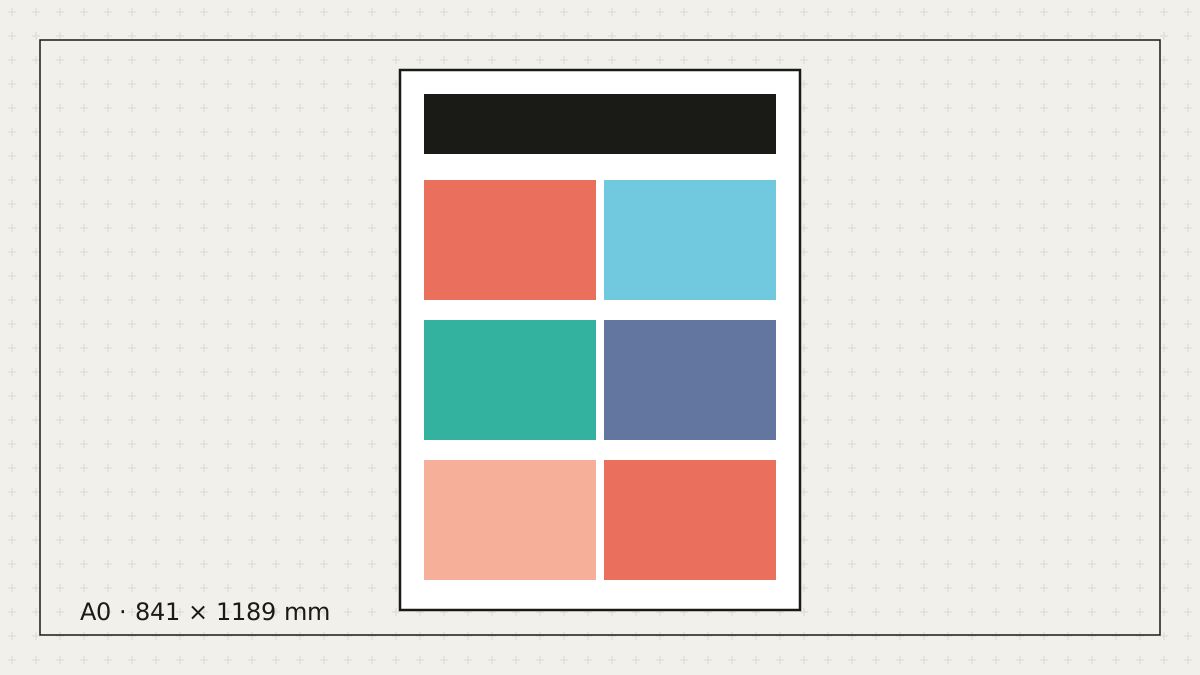
Let's be honest: most posters get made the night before. Here's how to make a good one in the time you actually have.
Read article →Free to start. No credit card. Every element stays editable.