One year of PaperPict: what we learned about figures
Eleven months, six tools, and a lot of figures. Some of what we learned we expected. Some of it we didn't.
Read article →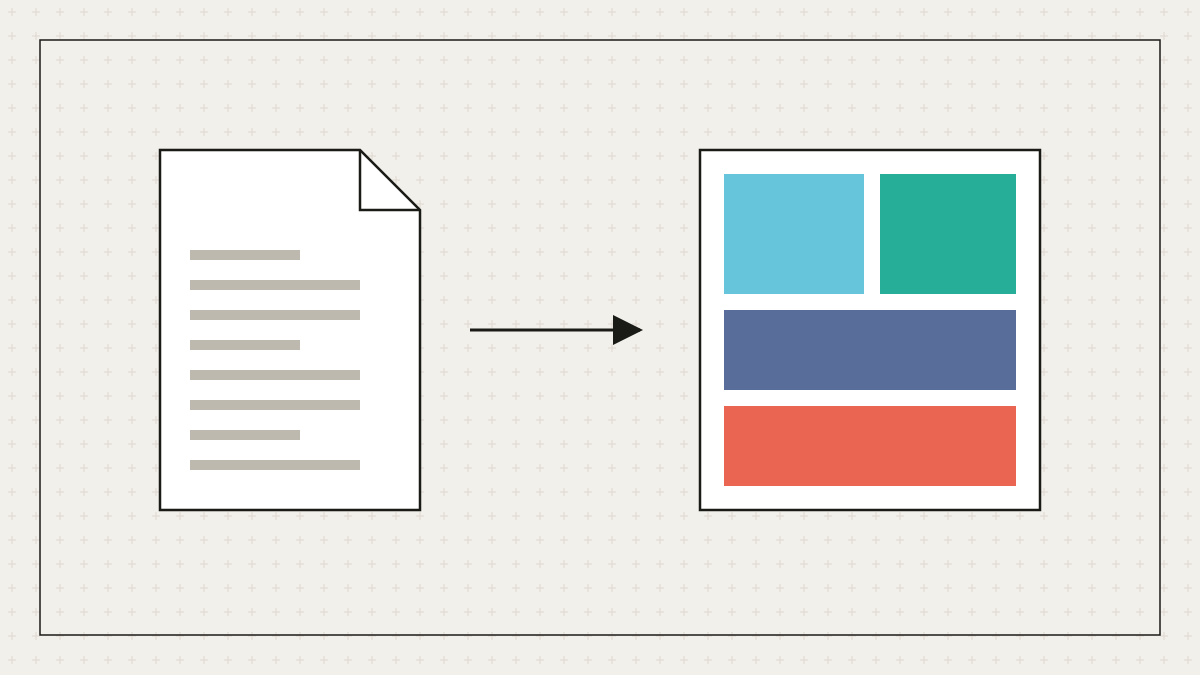
By the time a graphical abstract is needed the paper is written. The problem, method, result, and implication are all in the manuscript; what remains is layout. Reference-to-figure takes the PDF, extracts those four elements, and proposes a single-panel composition at the journal's requested size.
The central claim (usually from the abstract's last sentence), the intervention or input, the mechanism or pipeline, and the outcome. It also reads figure captions to identify which existing figures can be simplified into a small inset chart, drawn from the paper's own numbers rather than invented.
The elements are arranged left-to-right, cause to effect, with three to five visual blocks and two or three labels. The layout follows the rule that a graphical abstract must never need a legend. Panels are containers, so retitling 'Validation' or removing 'Next steps' reflows the rest.
Most users change wording. The model's phrasing is correct but rarely in your voice; retyping a label is a two-second edit. The second most common change is swapping the inset chart for a cleaner version of the same data.
Elsevier's 531 × 1328 px minimum, Cell Press's square, and ACS's 3.25 × 1.75 in TOC graphic are presets, and you can type any size. Choosing the target before generation means nothing is cropped at submission.
The tool summarises; it does not interpret. If a claim in the paper is hedged, the abstract keeps the hedge. If the data are not in the paper, no chart is drawn. Read the guide on graphical abstracts for the design principles behind the layout.
MORE FROM THE BLOG
Eleven months, six tools, and a lot of figures. Some of what we learned we expected. Some of it we didn't.
Read article →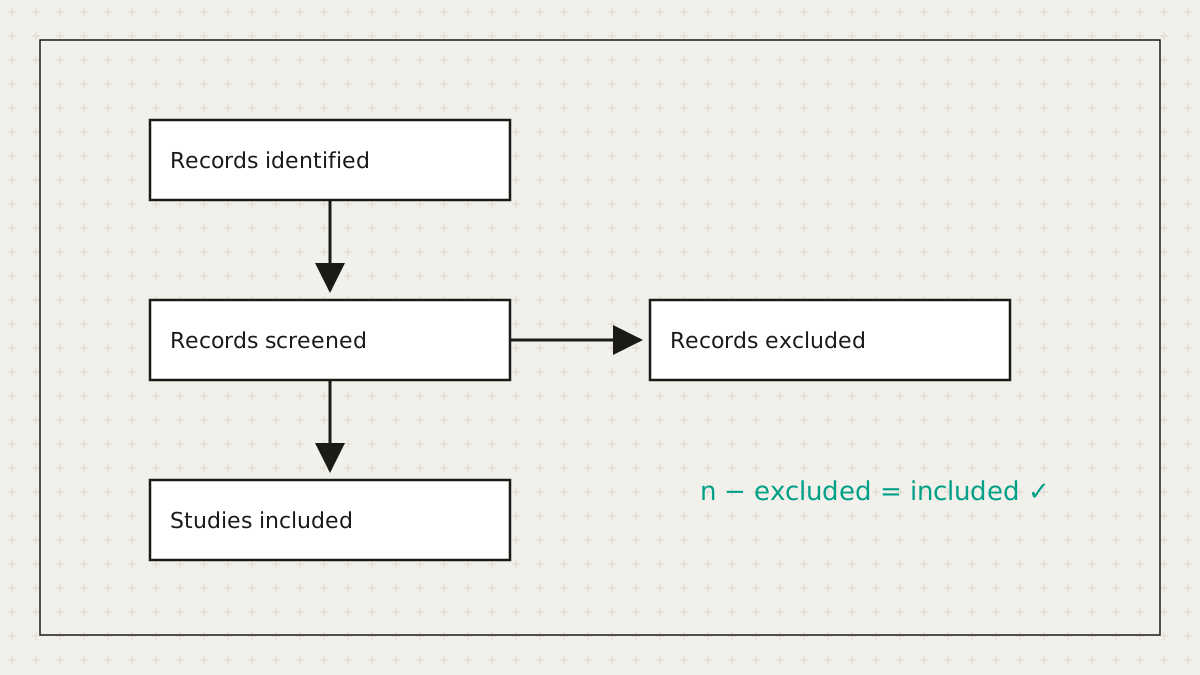
Systematic reviewers lose hours to a diagram whose main job is arithmetic. So we did the arithmetic.
Read article →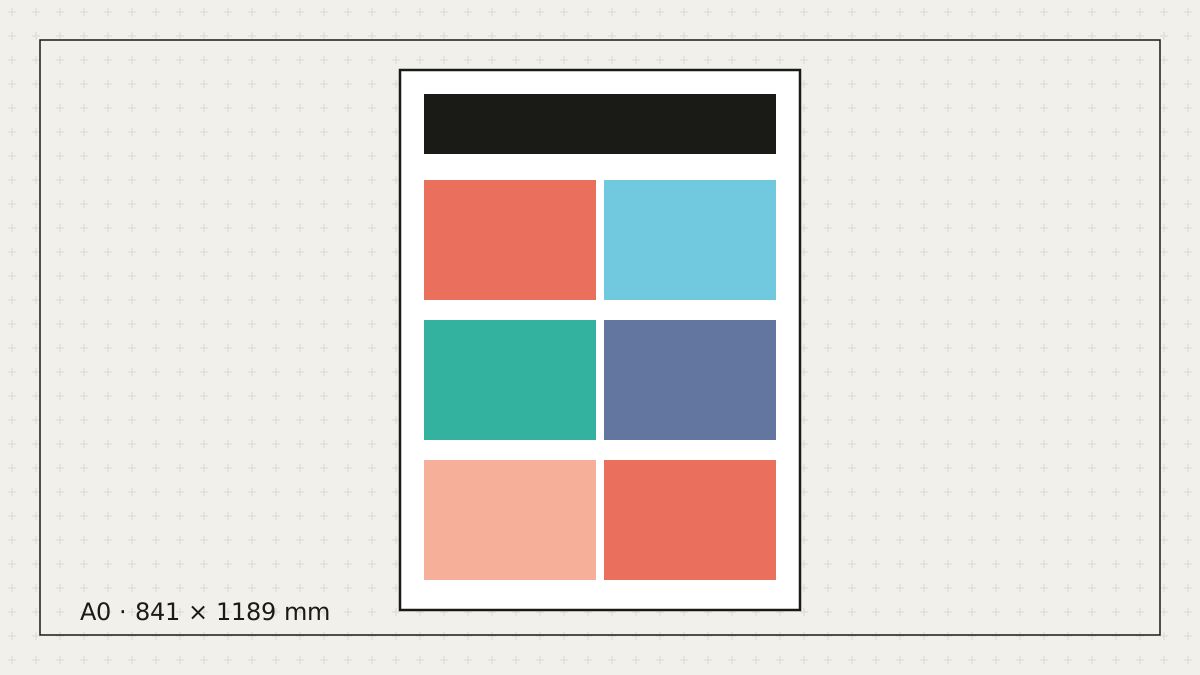
Let's be honest: most posters get made the night before. Here's how to make a good one in the time you actually have.
Read article →Free to start. No credit card. Every element stays editable.