One year of PaperPict: what we learned about figures
Eleven months, six tools, and a lot of figures. Some of what we learned we expected. Some of it we didn't.
Read article →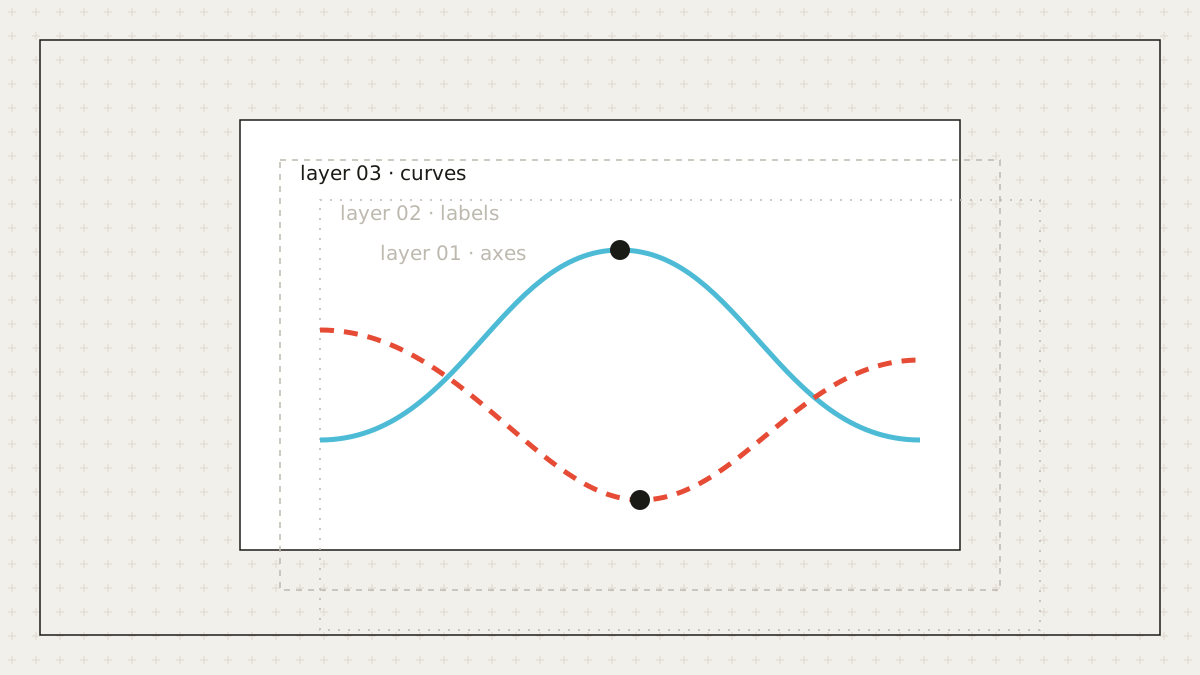
A raster image (PNG, JPG, TIFF) is a grid of pixels. A vector image (SVG, PDF, EPS) is a list of instructions: draw a path here, place this text there. The difference matters the moment you need to change something. In a raster you repaint pixels; in a vector you edit the instruction.
A layered SVG groups related elements: the helix is one group, each label is a text element, each arrow is a path with a marker. Open it in Illustrator, Inkscape, or Affinity and the layers panel shows the structure of the figure, not a single flattened object. Select the arrow, change its style, and the rest of the figure is untouched.
Auto-tracing a bitmap produces thousands of tiny paths with no semantics: a letter becomes a blob outline, an arrow becomes three unrelated shapes. We generate the figure as objects from the start, so the output has the structure you would build by hand.
Live text is the single most useful property for revisions. Retyping a label in a vector editor takes seconds and keeps the font, size, and alignment. It also lets journal production staff make small copy-edits without returning the figure to you.
Most journals ask for a raster at submission. PaperPict renders PNG and JPG from the SVG at whatever DPI and column width you choose, so the raster is always a faithful copy of the current editable version — never a stale export from three revisions ago.
Keep the SVG as the master file in your manuscript folder and treat every PNG as disposable. When a revision arrives, edit the master and re-export. It is the same discipline as keeping the source data rather than the chart.
MORE FROM THE BLOG
Eleven months, six tools, and a lot of figures. Some of what we learned we expected. Some of it we didn't.
Read article →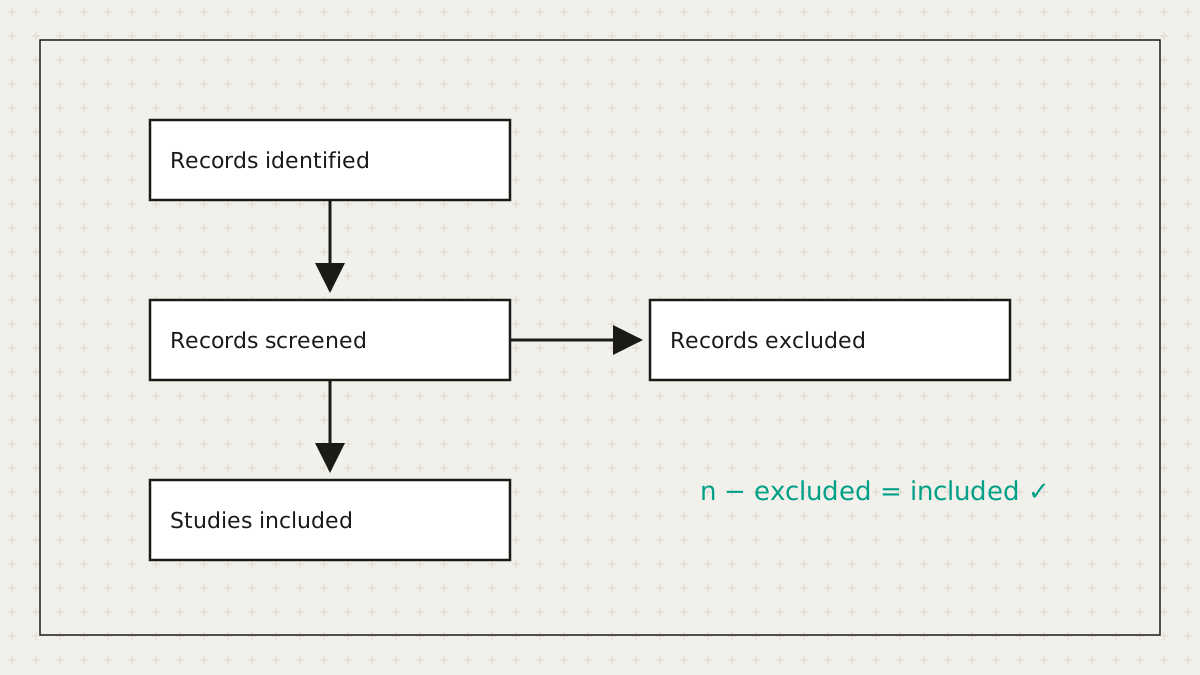
Systematic reviewers lose hours to a diagram whose main job is arithmetic. So we did the arithmetic.
Read article →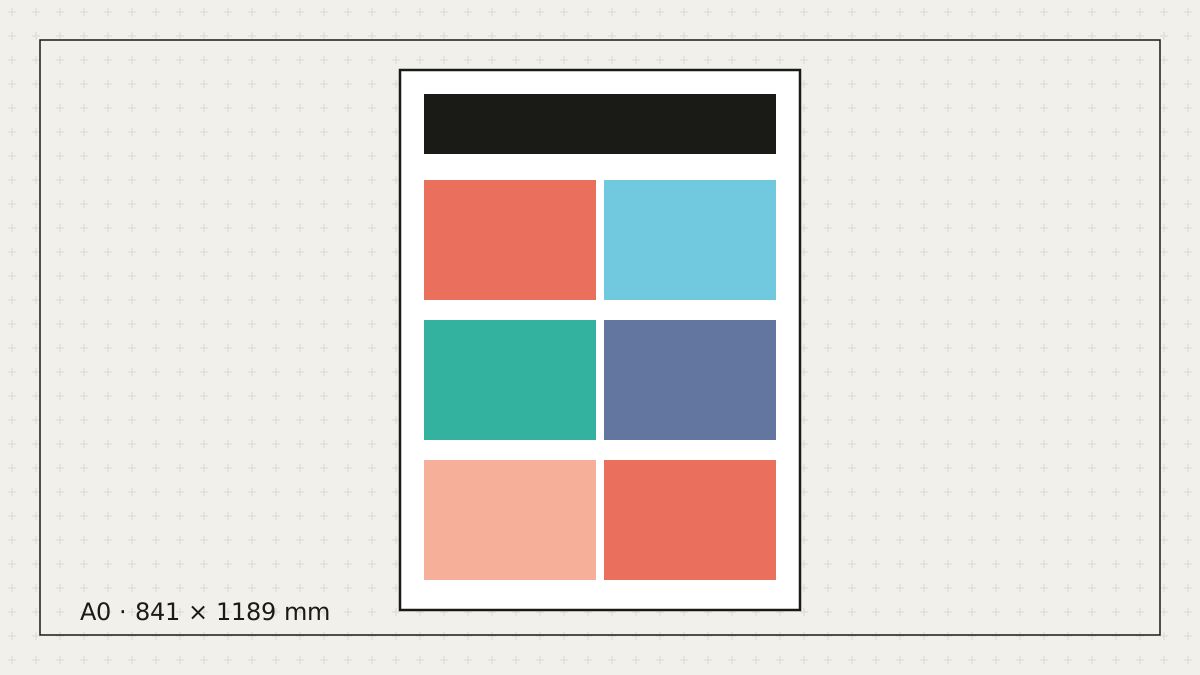
Let's be honest: most posters get made the night before. Here's how to make a good one in the time you actually have.
Read article →Free to start. No credit card. Every element stays editable.